How HausCompass Works
Document your home's maintenance history in five simple steps. From signup to ownership transfer, here's everything you need to know.
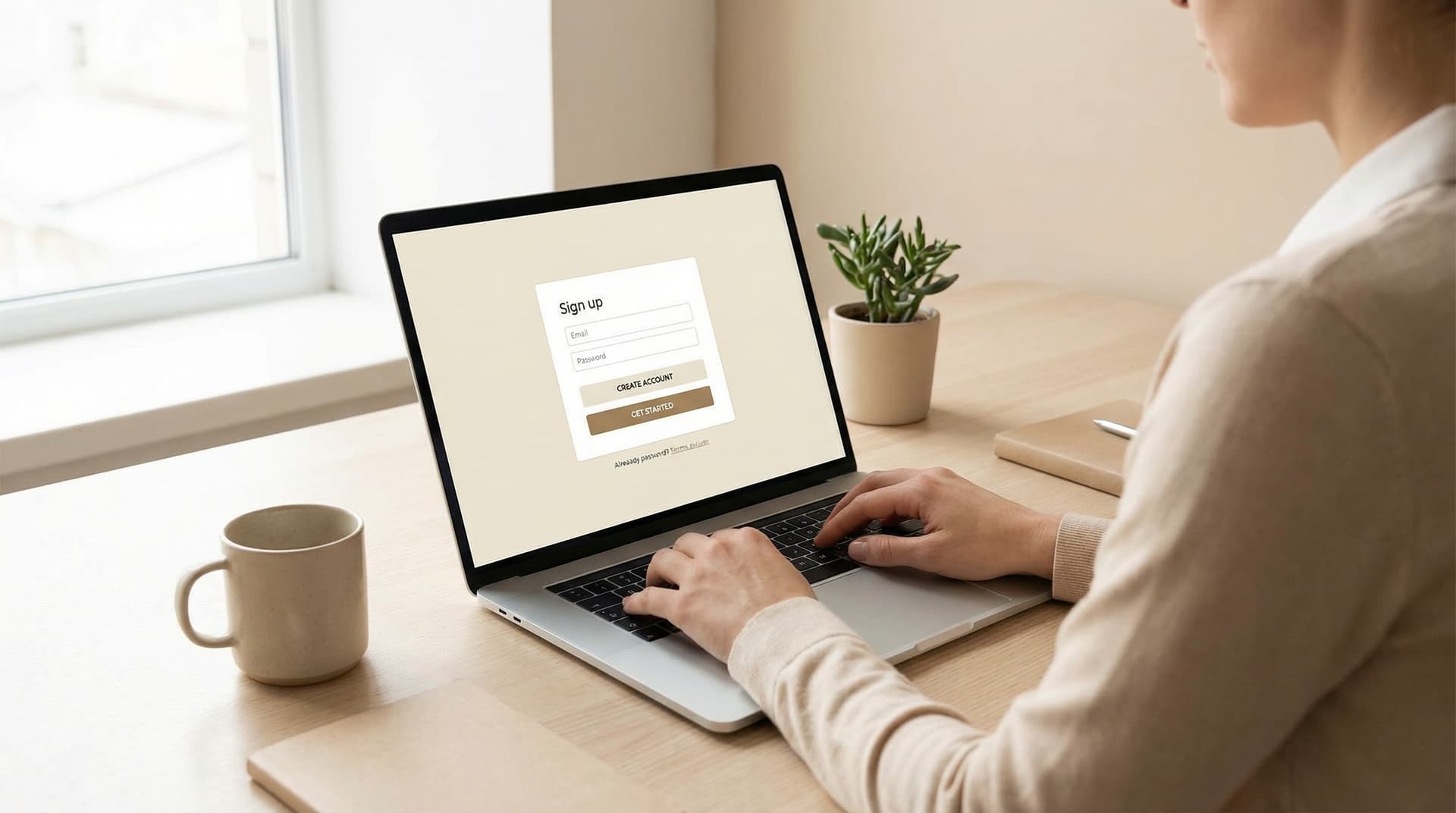
Sign Up & Add Your Property
Create your free account with just your email and password. No credit card required, no trial period, no strings attached.
Once signed in, add your first property by entering the address. We'll create a unique timeline for it with a permanent identifier that never changes, even if the address is updated.
Document Every Maintenance Task
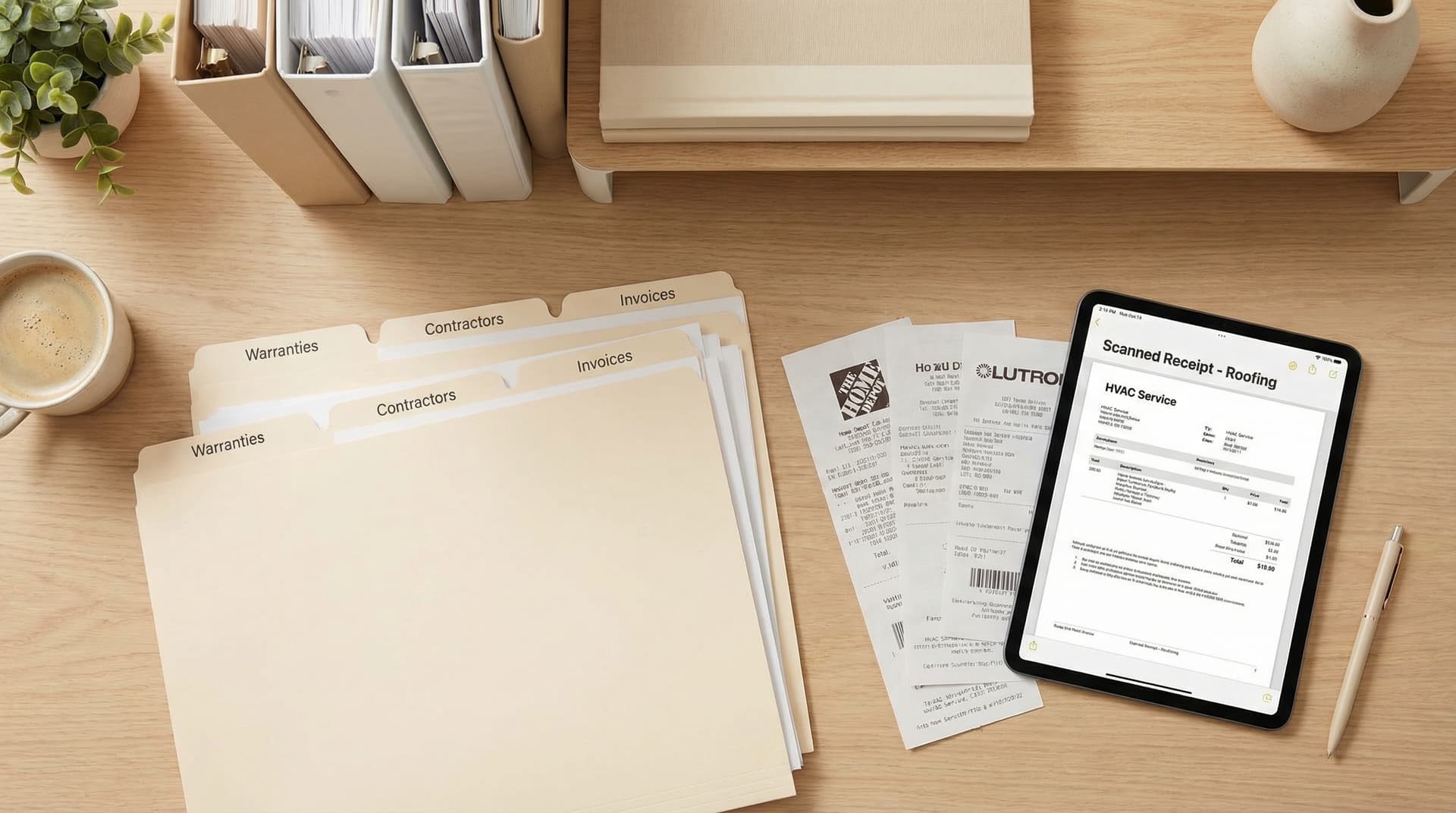
Log maintenance work as it happens. Add a title, description, date, cost, and category. Choose who performed the work and whether the record should transfer to future owners.
Each record is timestamped and organized chronologically in your property's timeline. Filter by category or search by keyword to find what you need.
- 5 categories: HVAC, Plumbing, Electrical, Structural, Other
- Toggle visibility: Transferable or Private
- Record contractor details and warranty information
- Add unlimited notes and descriptions
Attach Photos and Documents
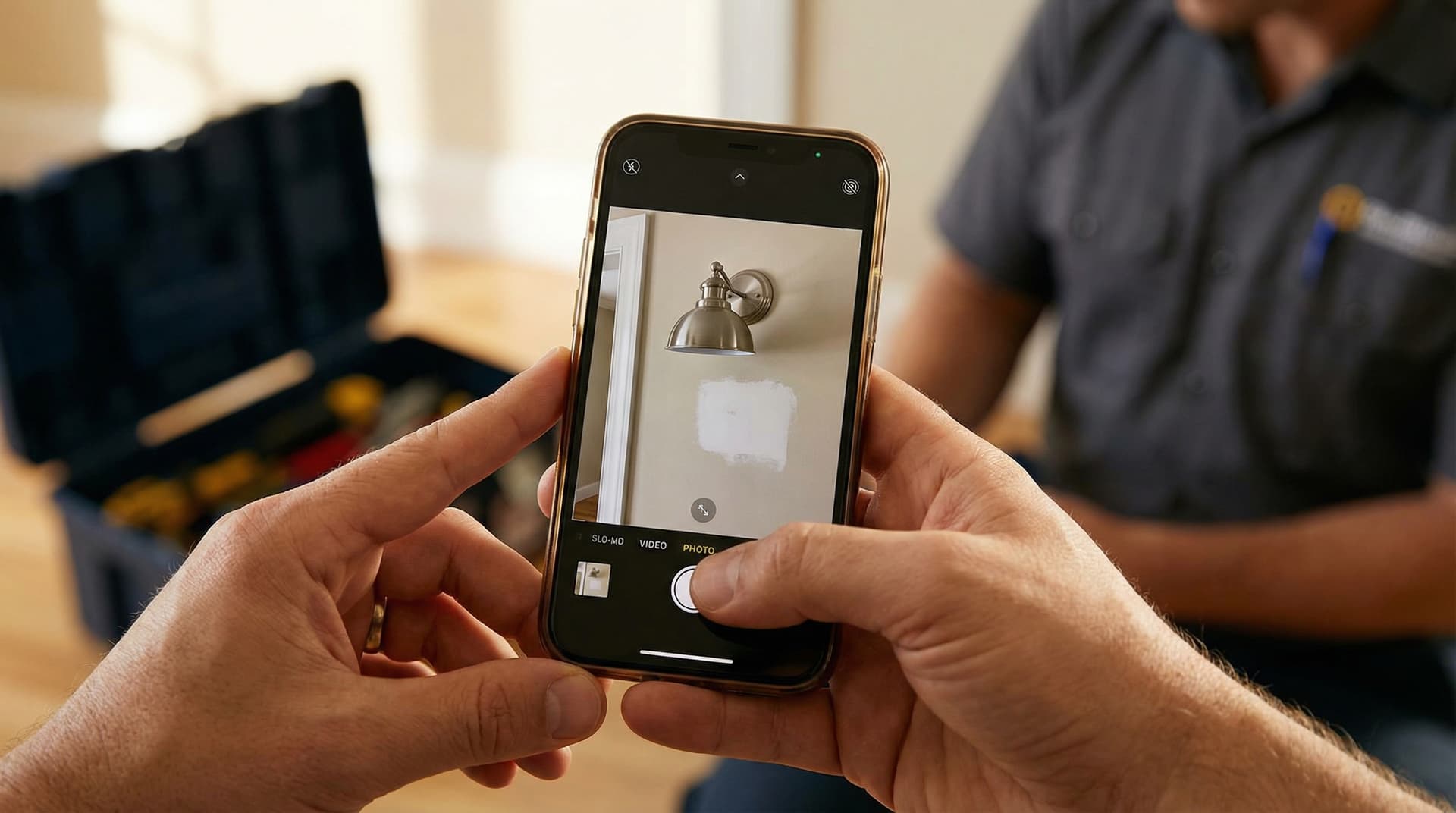
Visual proof is critical. Upload photos of completed work, receipts, warranties, and inspection reports. Drag and drop files or click to browse.
All attachments are securely stored and linked to their maintenance record. When you transfer ownership, evidence transfers with the record.
Supported Files
View Your Complete Timeline
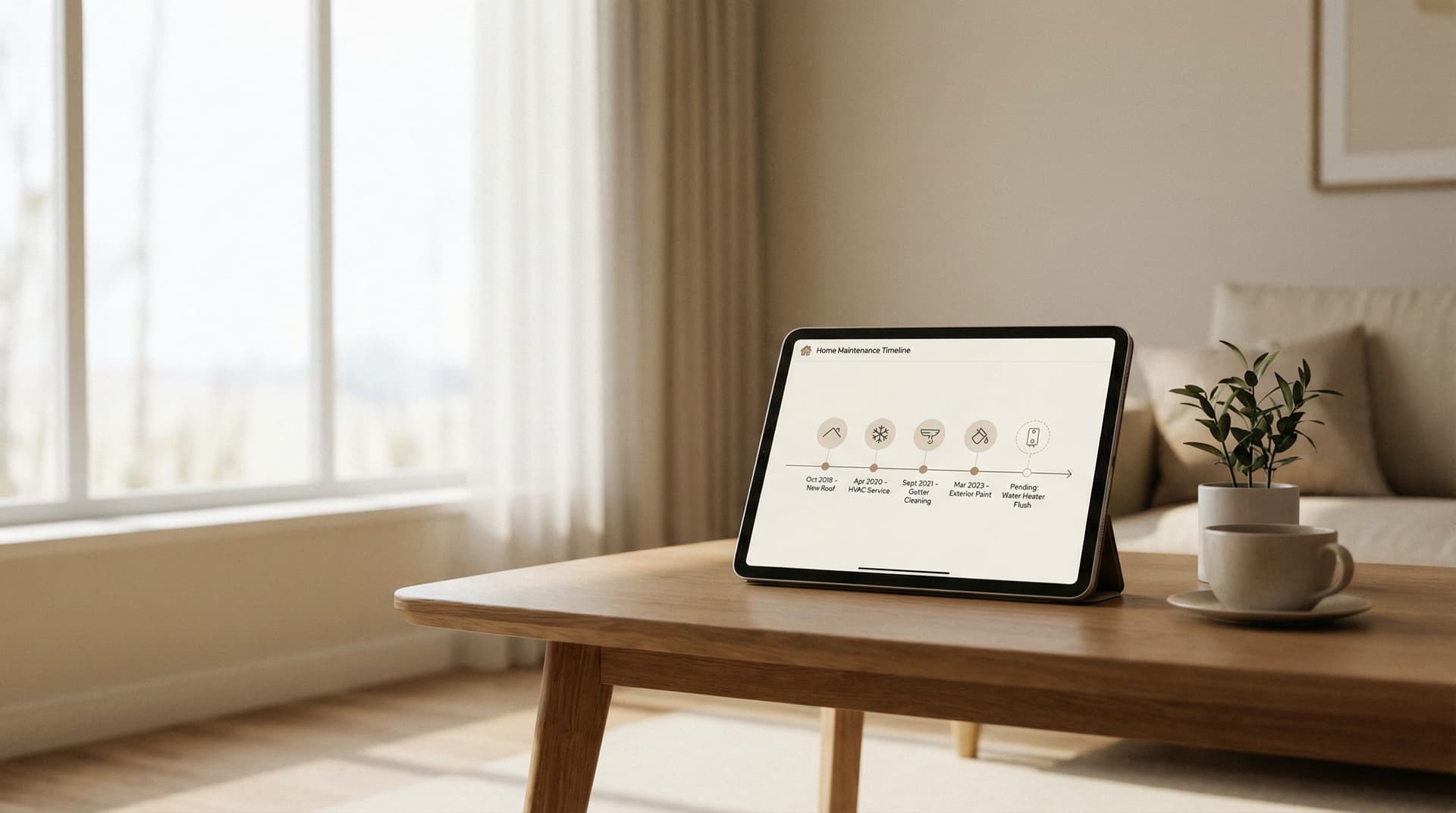
See your property's complete maintenance history in chronological order. Every record you've created, with attached photos and documents, organized by date.
Filter by category to see all HVAC work or all plumbing repairs. Color-coded badges make it easy to scan and find what you need quickly.
- Newest records first for easy access
- Category badges with distinct colors
- Inline photo thumbnails and PDF previews
- Search and filter capabilities
Transfer Ownership Seamlessly
When you sell your home, generate a secure transfer link and share it with the new owner. They'll receive all your maintenance records, complete with photos and documents.
Here's what makes us different: you keep read-only access. Your role changes from "Owner" to "Previous Owner," and you can still view all the records you created. The transfer is also reversible if needed.
What You Keep
- •Read-only access to all records created during your ownership
- •Your personal notes (these never transfer to new owners)
- •Full ownership history showing all previous transfers

Common Questions
Frequently Asked Questions
Is HausCompass really free?
How secure is my data?
Can I export my data?
What happens to my records after I transfer ownership?
Can I manage multiple properties?
What file types can I upload?
Ready to Preserve Your Home's History?
Join homeowners who are documenting their property maintenance with evidence-backed records. Free forever, no credit card required.